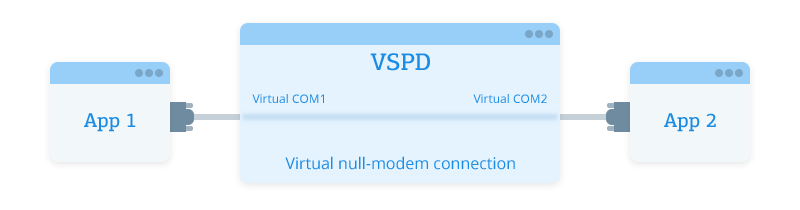
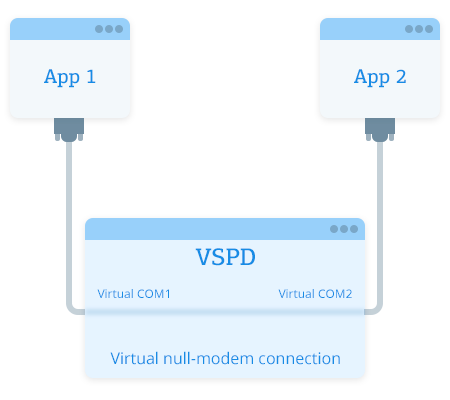









How to make two applications on one mobile device work with the same COM port, for example to receive data from a GPS device simultaneously?
One serial port can be easily shared by two or more applications at once with Serial Splitter CE. Moreover you set "Read only" mode for real or virtual port, and adjust multiple settings for real serial port in a bundle: baud rate, parity, flow-control, databits and stopbits.
With Serial Splitter Mobile you can split real serial port in up to 20 virtual serial ports: COM0-COM9 and VSP0-VSP9. Virtual ports will be exact copies of the real serial port you split and all programs working with them simultaneously will treat those ports just as if they were real ones.
You can set the access mode individually for every virtual serial port you created. If you set the port to read-only mode, then no data can be sent to it, and if you set read-and-write mode for the port - port becomes fully accessible.
Create, delete and disable ports on your device with Serial Splitter Mobile. For example if you need two apps to work with the same GPS device at a time, but only have one serial port available and another one is infrared, then with Serial Splitter Mobile you can disable infrared port and split real serial port in two virtual serial ports that will be working with two applications and one GPS device at a time.